Create a new environment with a different kernel
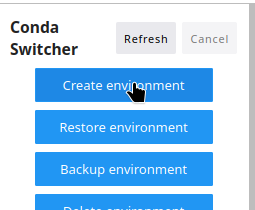
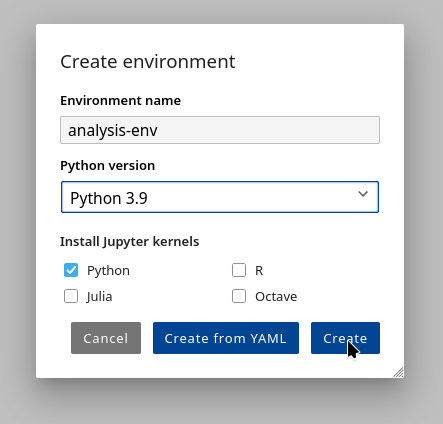
First you need to create a new environment, you can do it by selecting Conda-Switcher on left sidebar. Then you create a new environment by clicking on Create Environment option and you select options you need:
Here I selected I want to create an environment with Python 3.9 and IPykernel Jupyter of same version
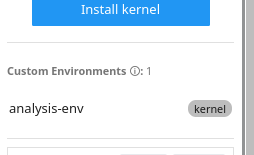
Once the environment is created, you can check it by looking on list of available environments managed by Conda-Switcher
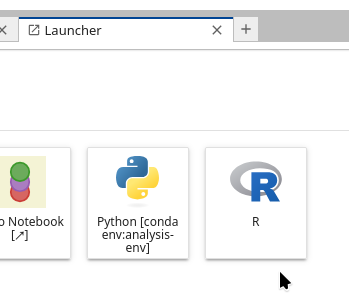
In the tab launcher you can now open a Jupyter kernel from 3.9 environment version you just created
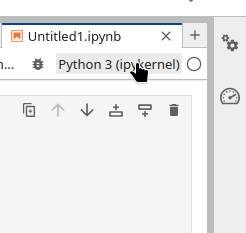
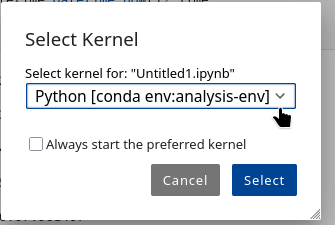
Or if you have an existing Notebook, you open it in Jupyterlab Notebook editor and then you select a kernel you desire, in this case we will select 3.9 Python kernel from the created environment.
You can select the kernel by clicking on the top right corner and select the kernel you wish.