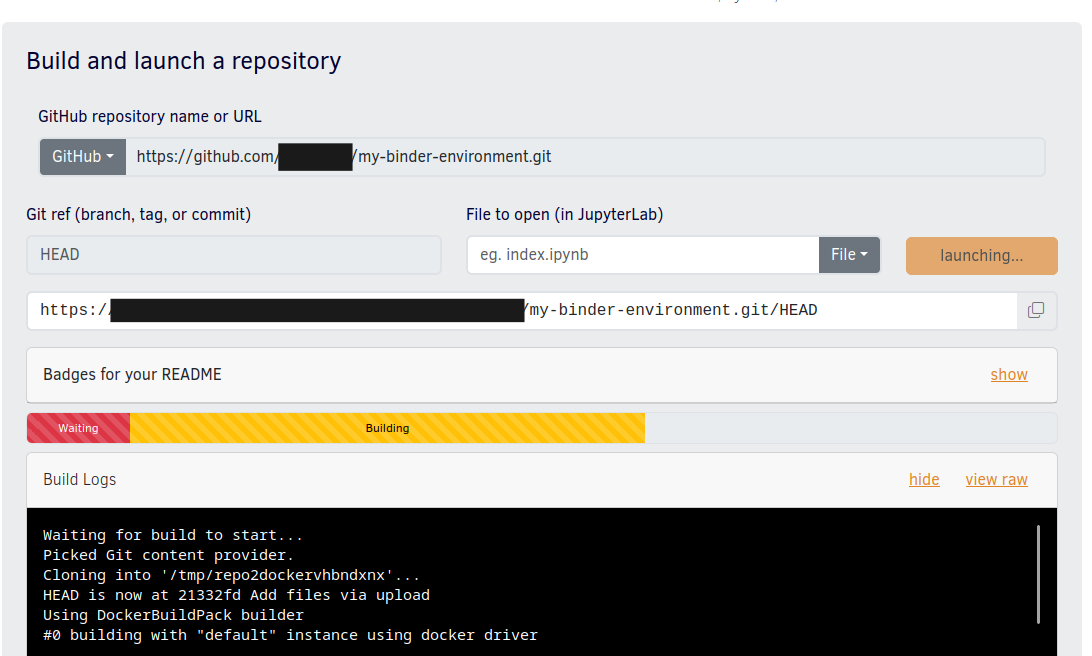
Create an environment reproducible in Replay
First, you will need a YAML export of your environment.
Once you have your YAML environment manifest, you can upload it to your github repository. First create your new repository, make sure it is set to public!
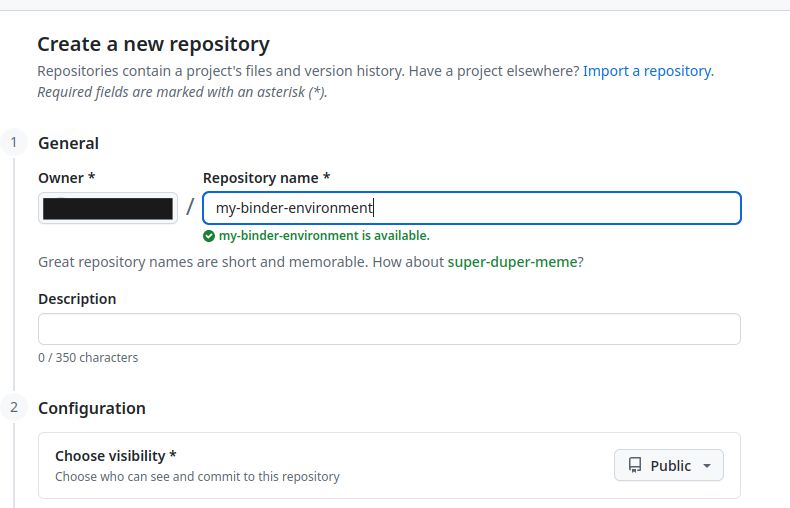
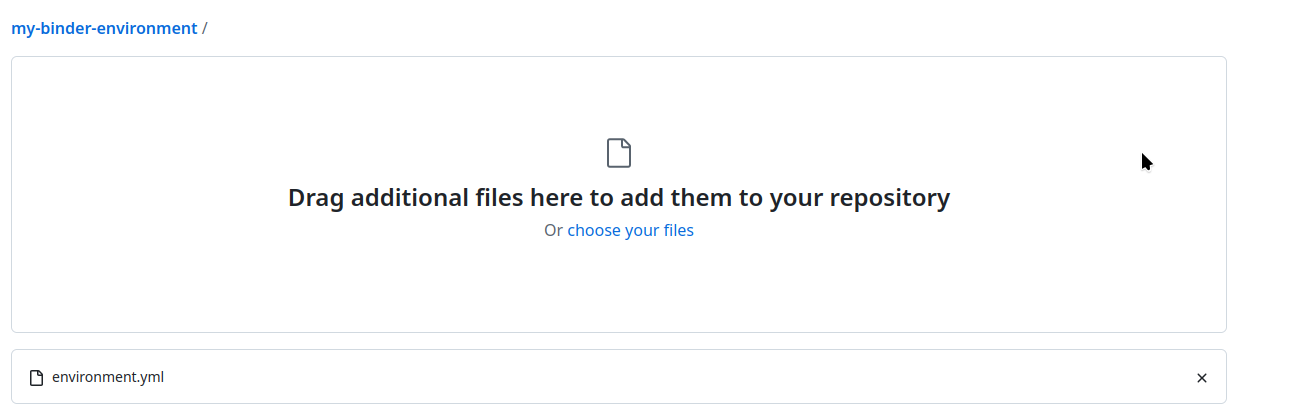
Then you can add you YAML manifest there via file upload or by pushing via git based on your preference

Warning
Please, make sure your YAML manifest is calledenvironment.yaml before uploading
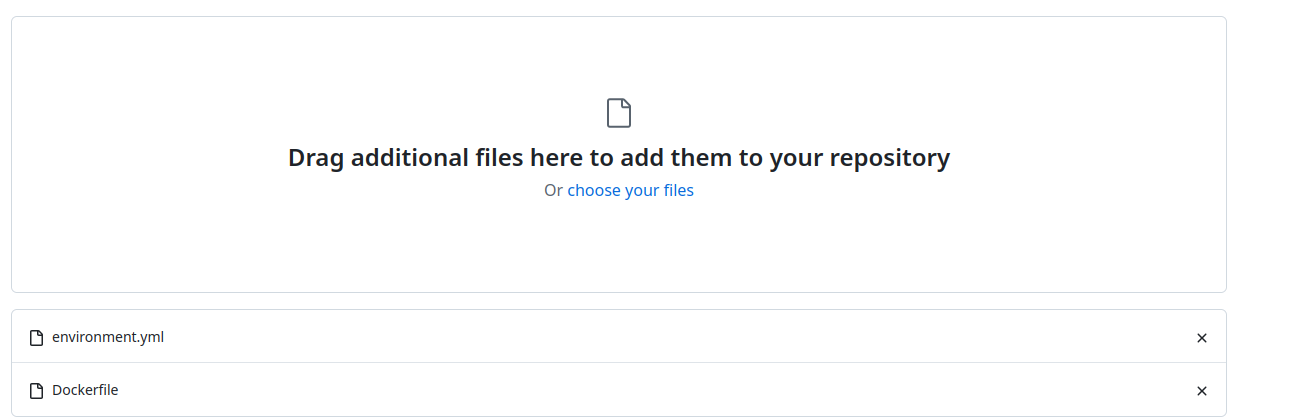
it, because otherwise Replay won’t recognize it.Now you have to add another file, named Dockerfile. This file details the
container image build instructions. In this case we will add instructions that
will allow us to build the conda environment from the exported YAML manifest in
Replay.
Your Dockerfile should contain the following lines:
FROM quay.io/jupyter/datascience-notebook:<IMAGE_TAG>

COPY environment.yml /tmp/environment.yml

RUN conda env create -f /tmp/environment.yml
<IMAGE_TAG> should be replaced with the current image tag used to build the
Notebooks environment. You can get the exact tag at the
EGI notebooks image repository.
Once you added the image tag, you can upload your Dockerfile into the repository
and commit changes.
After that you can obtain a link to your repository
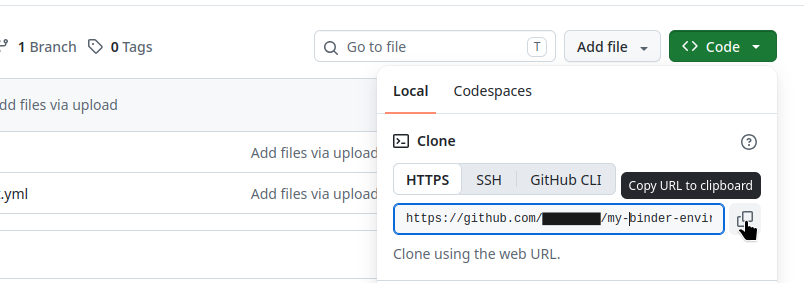
And start a build in Replay: